Find the right antivirus for every device.
Choosing the best antivirus software can feel challenging because there are many security features and protection levels to compare. Some users may only need essential protection for a single PC or laptop, while others may prefer a more comprehensive security solution for multiple household devices. Advanced antivirus software can also provide additional protection against malware, ransomware, phishing attempts, online fraud, and other cyber threats. If you’re unsure which option fits your needs, comparing features and reading detailed antivirus reviews can help you make a more informed choice.
- Multi-device options
- Real-time protection
- Privacy & identity features
- Clear side-by-side comparison
What Is the Best Antivirus Solution?
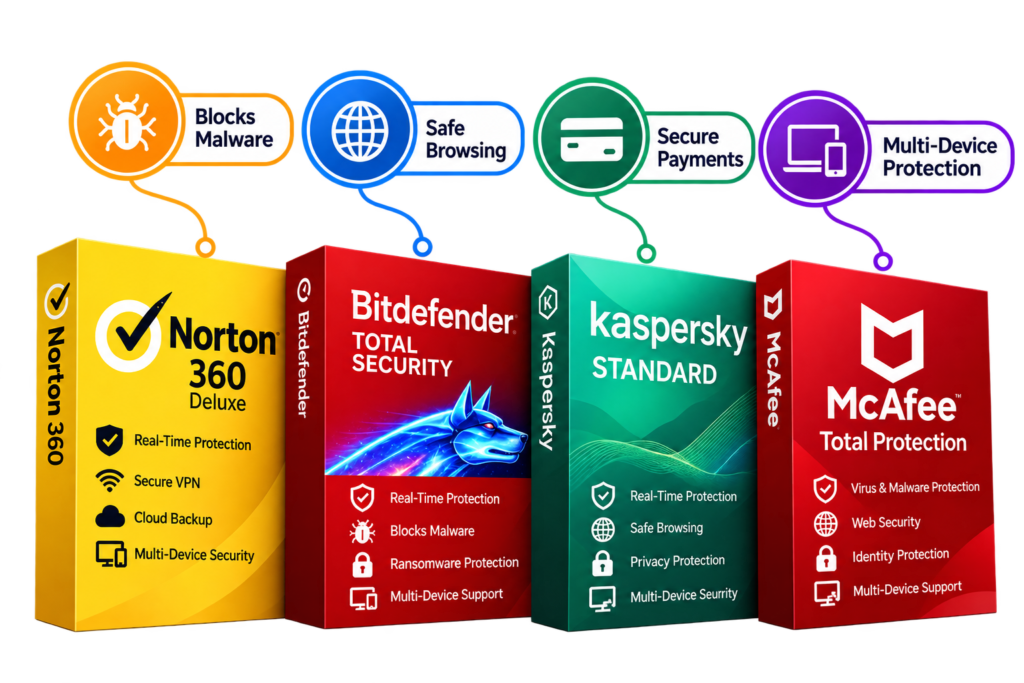
Norton is a well-established name in consumer cybersecurity and provides antivirus and online security solutions for users across different devices. Its products combine traditional antivirus protection with additional security features designed to help defend against malware, ransomware, phishing, and other online threats. When comparing Norton with other antivirus options, consider factors such as malware protection, system performance, privacy features, device compatibility, included tools, and overall value before choosing the solution that best matches your requirements.
Leading Antivirus Software to Compare in 2026
The reference page features Bitdefender, TotalAV, Norton, Avast, Panda, AVG, Surfshark Antivirus, Fortect and ESET. This expanded version also includes major options such as McAfee, Microsoft Defender, Malwarebytes, Avira, F-Secure and Trend Micro.
Norton 360
Security suite combining antivirus with privacy, backup and identity-oriented tools on eligible plans.
9.6/10
- Real-time virus and malware protection
- Advanced ransomware and spyware protection
- Secure VPN for private browsing
- Password manager for safer logins
- Cloud backup for important files
- Protection across multiple compatible devices

02
McAfee Total Protection
Antivirus with privacy, scam and identity-focused features, including plans for multiple devices.
9.2/10
- Real-time antivirus and malware protection
- Strong ransomware and spyware defense
- Secure VPN for private browsing
- Identity monitoring and privacy tools
- Helps improve overall system performance
- Covers multiple compatible household devices

03
ESET Security Ultimate
Security suite known for layered protection and extensive configuration options.
9.2/10
- Real-time malware and virus protection
- Strong ransomware protection for files
- Blocks phishing and fraudulent websites
- Secure banking and payment protection
- Advanced network security monitoring tools
- Lightweight with low system impact

04
Avast Free Antivirus
Popular free antivirus option with real-time threat detection and web-focused protection tools.
9.0/10
- Real-time malware and virus protection
- Dedicated ransomware protection for files
- Blocks malicious websites and downloads
- Network security and Wi-Fi scanning
- Email threat and attachment protection
- Performance and privacy protection tools
05
AVG Antivirus
Straightforward antivirus with malware scanning, web protection and free-tier availability.
8.8/10
- Real-time virus and malware protection
- Protects files against ransomware attacks
- Web and email threat protection
- Scans suspicious and unsafe downloads
- Network security and Wi-Fi protection
- Performance tools for smoother devices

06
F-Secure Total
Consumer security package with antivirus plus browsing and privacy-oriented features.
8.6/10
- Real-time virus and malware protection
- Ransomware protection for important files
- Safe browsing against dangerous websites
- Secure online banking protection tools
- Helps identify online scam websites
- Protects multiple compatible devices
07
Microsoft Defender
Built-in Windows antivirus providing baseline real-time malware protection without a separate subscription.
9.6/10
- Built-in real-time Windows threat protection
- Detects malware and suspicious applications
- Ransomware protection for important folders
- Integrated firewall and network protection
- Cloud-based security threat intelligence
- Integrated directly with Windows Security
08
TotalAV
Consumer antivirus with malware protection and performance/privacy tools depending on plan.
8.4/10
- Real-time virus and malware protection
- WebShield blocks dangerous online threats
- Strong anti-phishing website protection
- System cleanup and optimization tools
- VPN available with selected plans
- Protects multiple compatible devices

09
Webroot Antivirus
Lightweight cloud-based antivirus designed for fast scanning, real-time threat protection and minimal impact on device performance.
8.2/10
- Fast cloud-based antivirus threat protection
- Real-time malware and virus detection
- Blocks phishing and malicious websites
- Identity protection for personal information
- Lightweight scanning with low impact
- Protects multiple compatible devices
10
Malwarebytes Premium
Malware-focused security with real-time protection and strong remediation heritage.
8.8/10
- Powerful malware detection and removal
- Real-time protection against online threats
- Dedicated ransomware and exploit protection
- Blocks malicious and phishing websites
- Detects spyware and unwanted programs
- Lightweight scanning with minimal impact

11
Avira Internet Security
Antivirus with browsing and privacy tools, including free and paid product options.
8.6/10
- Real-time antivirus and malware protection
- Strong ransomware protection for files
- Blocks malicious websites and downloads
- Password manager for secure logins
- System cleanup and optimization tools
- Protection across multiple compatible devices
12
Trend Micro Internet Security
Security suite focused on malware, web threats, phishing and online scam protection.
8.8/10
- Real-time malware and virus protection
- Advanced ransomware protection for files
- Blocks dangerous websites and downloads
- Strong phishing and fraud protection
- Safer online shopping and banking
- Email and social network protection

13
Surfshark Antivirus
Antivirus positioned alongside Surfshark’s privacy and VPN ecosystem.
8.7/10
- Detects viruses without raising false flags
- Prevents hackers from infiltrating your system
- Helps protect against identity theft and recovery risks
- Protects usernames and passwords
- Allows you to manage your devices from an online portal
- Supports secure backup or cloud protection where available

14
Panda
Security suite focused on malware, web threats, phishing and online scam protection.
8.8/10
- Real-time virus and malware protection
- Ransomware protection for important files
- Blocks phishing and malicious websites
- Wi-Fi and network security protection
- Privacy tools for safer browsing
- Protects multiple compatible devices
15
Bitdefender
Antivirus positioned alongside Surfshark’s privacy and VPN ecosystem.
8.7/10
- Advanced real-time malware threat protection
- Strong ransomware and file protection
- Blocks phishing and malicious websites
- Secure online banking and payments
- Lightweight with minimal system impact
- Protects multiple compatible devices
Compare The Best Antivirus Software

Rating
9.8
9.2
9.0
8.9
8.5
Detection Capabilities
Excellent
Excellent
Excellent
Good
Fair
System performance
Excellent
Good
Excellent
Good
Good
Features
Excellent
Excellent
Good
Good
Good
Value For The Money
Excellent
Good
Good
Fair
Good
Protection
Real-Time Protection
Removes Malware
Removes Spyware
Removes Adware
Dedicated Ransomware Protection
Anti-Phishing
Anti-Fraud
Rescue Mode
Features
VPN
Safe Online Banking
Webcam Protection
Parental Advisor
Vulnerability Scanner
Firewall
Quiet Mode
Social Network Protection
Password Manager
Anti-Theft
Data Shredder
Battery Mode
Support
Phone Support
Live Chat
Compatibility
Windows
Mac
Linux
Android
iOS
Why You Can Trust Our Reviews
Choosing antivirus software is not only about comparing features and prices. One of the most important questions is whether you can trust the information and recommendations you are reading.
The internet is filled with antivirus comparison pages, promotional rankings, and review websites. However, not every recommendation is based on meaningful research or hands-on evaluation. Some websites may simply promote products based on commercial relationships rather than carefully examining what each security solution actually provides.
Our approach is designed to be different. Instead of creating a quick list based only on popular antivirus names or promotional offers, we focus on established cybersecurity brands and examine the factors that matter when choosing protection for your devices.
Our evaluation process considers areas such as malware protection, security features, usability, device compatibility, system impact, pricing, and overall value. Where appropriate, we also consider information published by recognized independent security-testing organizations.
The purpose of our comparison content is straightforward: make antivirus software easier to understand and compare so readers can decide which option is appropriate for their own devices, security requirements, and budget.
Our content is created with an emphasis on clarity, transparency, useful comparisons, and informed decision-making rather than simply presenting a list of products.

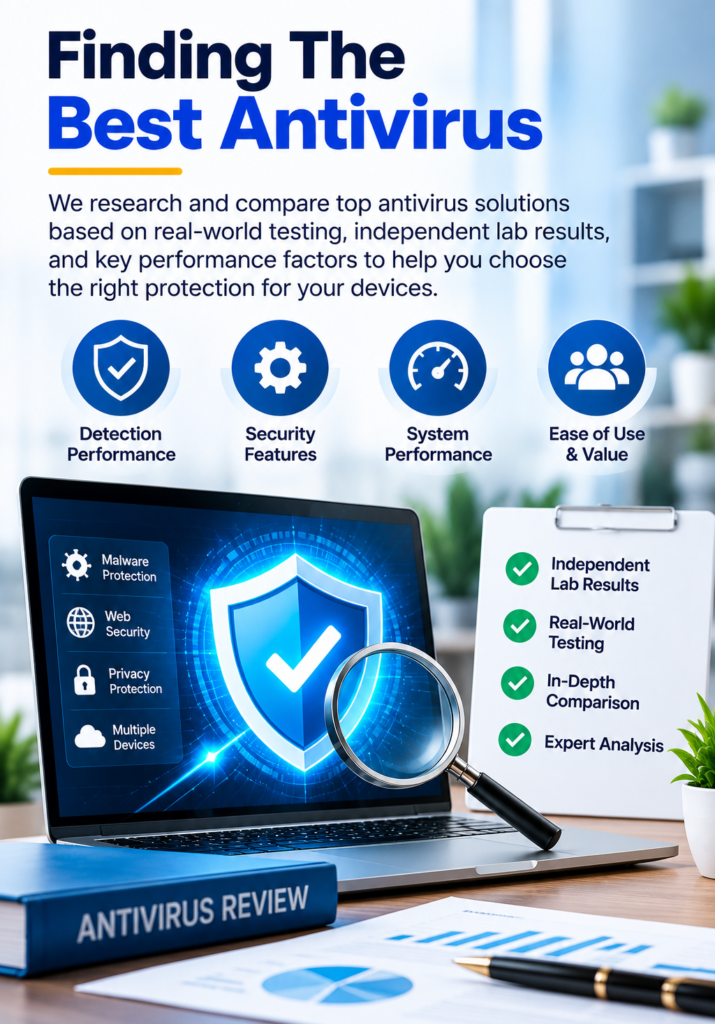
Finding the Best Antivirus Software
Finding a suitable antivirus program requires more than checking whether a product can detect a traditional computer virus. Modern cybersecurity software is expected to protect users against a much broader range of digital threats.
This can include malware, ransomware, spyware, phishing websites, potentially unwanted applications, fraudulent pages, and other online risks.
When researching antivirus products, independent laboratory results can provide useful technical information about areas such as malware detection and protection performance. However, laboratory results represent only one part of the overall comparison.
A good antivirus product also needs to work effectively during everyday use.
For this reason, several additional factors should be considered, including security features, system performance, ease of use, compatibility, and value for money.
For example, an antivirus program may provide strong malware detection but consume significant system resources. Another product may offer slightly different protection capabilities while delivering a lighter experience on everyday computers.
Additional tools can also influence the overall usefulness of a security package. Depending on the provider and subscription plan, these may include a VPN, password manager, firewall, parental controls, webcam protection, secure browsing features, anti-phishing tools, identity monitoring, or online banking protection.
Rather than focusing on a single specification, our comparisons consider the overall package and how its features may benefit different types of users.
Choosing Antivirus at the Right Price
Price is another important consideration when comparing antivirus software.
Premium security packages can include an extensive range of features, but having more features does not automatically make a product better for every user. Some people simply need dependable protection for one computer, while others may need coverage across several PCs, smartphones, and tablets.
This is why we focus particularly on the features that provide practical value.
Protection capabilities, usability, device coverage, system performance, privacy features, subscription terms, and total cost should all be considered together.
It is also important to look carefully at promotional pricing. Antivirus providers frequently offer introductory discounts for new customers, while renewal pricing may be different after the initial subscription period.
As a result, users should look beyond the headline price and consider what is actually included with the plan, how many devices are covered, and what the subscription may cost when it renews.
The cheapest antivirus is not necessarily the best value, and the most expensive package is not automatically the strongest choice.
A useful comparison should help you understand what you are receiving for the price you pay.
Why Should You Use Antivirus Software?
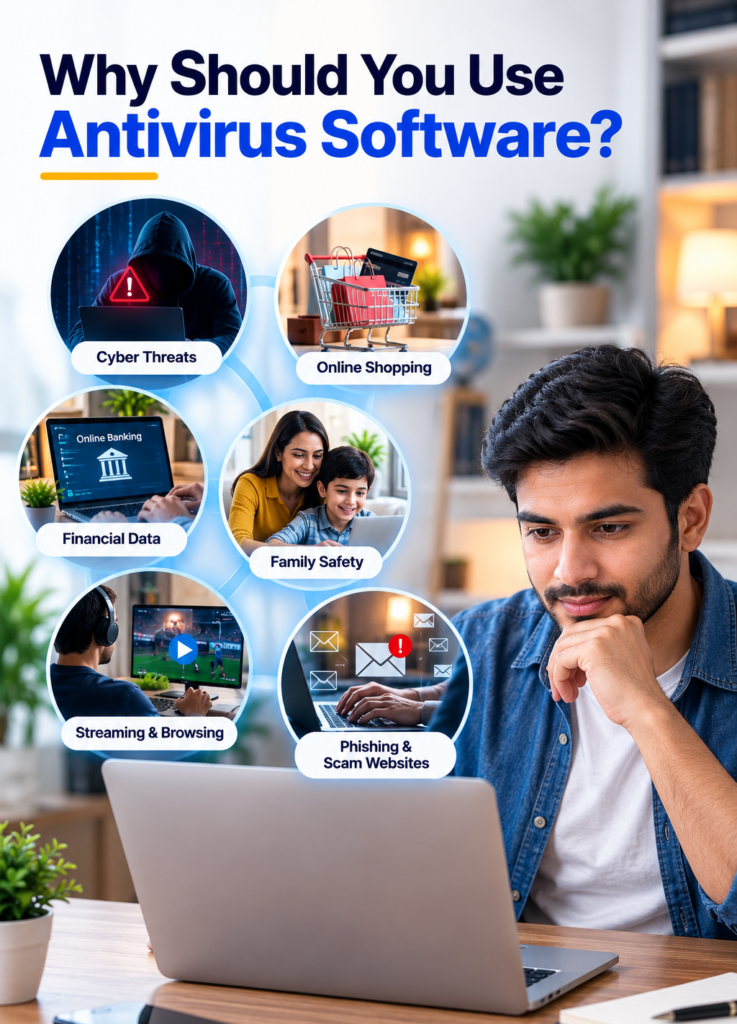
The internet plays an important role in everyday life, from communication and entertainment to banking, shopping, work, and education. At the same time, being connected exposes computers and mobile devices to a variety of potential security threats.
Avoiding suspicious downloads is helpful, but it is not enough on its own.
Cyber threats can reach users through malicious websites, deceptive emails, infected attachments, compromised downloads, fraudulent advertisements, phishing pages, and other methods that may initially appear legitimate.
Some threats are also designed to operate quietly in the background. Users may not immediately realize that malicious software has entered their system.
This is where antivirus software can provide an additional layer of protection.
Modern security programs can continuously monitor files, applications, downloads, websites, and other activity for potentially harmful behavior. When suspicious activity is detected, the software may block, quarantine, or remove the threat before it causes further damage.
Effective antivirus protection can also help safeguard important documents, personal information, login credentials, and other sensitive data.
For people who regularly shop, bank, work, stream, browse, or communicate online, having reliable security software can make everyday digital activity safer.
Free antivirus programs can provide useful basic protection, particularly for users with straightforward requirements. Premium security packages, however, often include additional tools and broader protection features.
Depending on the product, these extras may include secure browsing, ransomware protection, VPN access, password management, parental controls, identity monitoring, firewall features, or protection across multiple devices.
The right choice ultimately depends on your individual security requirements and how you use your devices.
How to Compare the Best Antivirus Protection
Most modern antivirus programs use several techniques to identify potential threats.
Traditional malware detection may compare suspicious files against databases of known malicious signatures. More advanced security systems can also examine application behavior, suspicious processes, unusual activity, and previously unidentified threats.
Because many antivirus products now provide capable basic malware protection, the differences between them often become clearer when you examine their additional features and overall user experience.
Real-Time Protection
Real-time protection continuously monitors your device for suspicious files, applications, and activities. Instead of relying only on manual scans, it can respond when a potential threat appears.
Malware and Ransomware Protection
A strong security solution should be capable of identifying common malware while also providing safeguards against threats such as ransomware, spyware, and potentially unwanted applications.
Phishing and Web Protection
Phishing websites are designed to trick users into revealing passwords, payment information, or other sensitive details. Web protection features can help identify and block suspicious or known malicious websites.
System Performance
Security software should protect your device without unnecessarily interfering with everyday activities.
When comparing products, consider how they affect startup times, browsing, application performance, downloads, gaming, and other common tasks.
Privacy and Security Features
Premium antivirus packages may include additional privacy and security tools such as VPN services, password managers, webcam protection, data shredders, vulnerability scanners, or identity-related features.
Not every user needs every feature, so the value of these tools depends on your requirements.
Online Banking and Shopping Protection
People who regularly make payments or access financial accounts online may want additional protection designed for banking and shopping.
Depending on the antivirus provider, this can include protected browsers, anti-phishing technology, fraudulent-site detection, or other safeguards for sensitive transactions.
Multi-Device Compatibility
If you use several devices, check which operating systems the antivirus supports.
Some security packages provide protection across Windows, macOS, Android, and iOS, while particular features may only be available on selected platforms.
You should also check how many devices are included with each subscription.
Ease of Use
Strong security should not require users to be cybersecurity specialists.
Installation, scanning, security alerts, settings, and subscription management should be straightforward enough for everyday users to understand.
Customer Assistance
Customer service availability can also be worth considering, particularly with premium security products.
Depending on the provider and subscription, assistance may be available through live chat, phone, online documentation, community forums, or other channels.
Ultimately, there is no single antivirus package that will meet every user’s requirements equally. Someone protecting one Windows computer may have very different priorities from a family securing multiple computers, tablets, and smartphones.
The most useful approach is to compare protection, features, performance, compatibility, usability, and price together before making a decision.